
Use Clumsy when you need to reproduce packet-level conditions for an authorized application test. Use NetLimiter when you need per-application traffic visibility or bandwidth rules. They are complementary categories, not interchangeable downloads.
01
Start with the test question
The shortest useful comparison is a scope decision.
If the question is “What happens when this selected request arrives 300 ms late, disappears, or arrives out of order?”, Clumsy is the closer fit. Its filter defines which live traffic is affected, and its impairment controls give the test a visible condition to record. The result should be measured in an owned or explicitly authorized environment and stopped when the observation is complete.
If the question is “Which application is using bandwidth, and what limit should this application receive?”, NetLimiter is the closer fit. That is a traffic-management question rather than a packet-condition reproduction question. For a wider explanation of emulation versus simulation, continue to the network emulator guide.
Neither product should be selected because it promises a generic “lag” effect. A useful test names the application, target traffic, impairment, observation and recovery check before any rule is enabled.
| If you need to… | Start with… | Why |
|---|---|---|
| Test delay, packet loss or delivery order | Clumsy | It changes matching traffic conditions for a controlled experiment. |
| See which application consumes bandwidth | NetLimiter | It is designed around application traffic visibility and rules. |
| Cap one application's throughput | NetLimiter | The problem is a bandwidth policy, not a packet-loss scenario. |
| Prove retries and recovery under poor delivery | Clumsy | The condition can be tied to a baseline and a repeatable test record. |
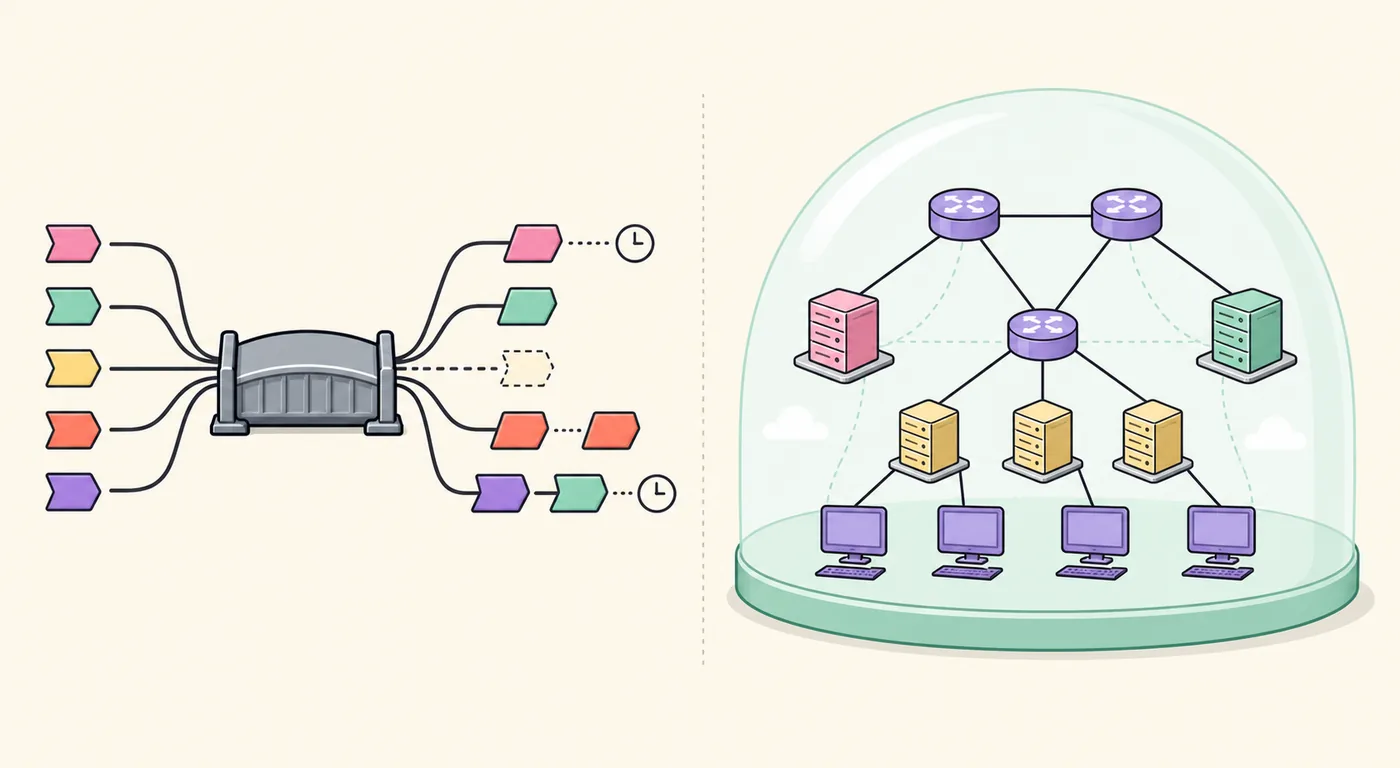
| Compare a real application with an abstract topology | Use the right category first | An emulator and a simulator do not answer the same question. |
02
What Clumsy does well
Clumsy is a Windows network-condition emulator for matching real traffic.
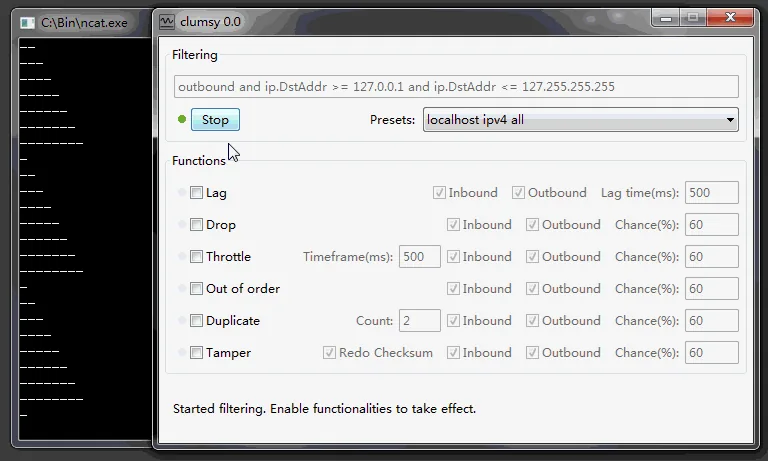
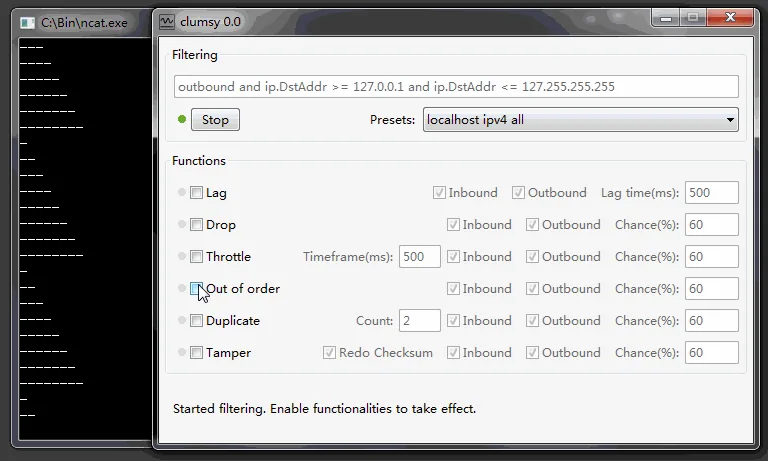
A Clumsy test starts with a filter. The filter may narrow traffic by host, protocol, port or another documented condition so the experiment does not silently affect unrelated work. After that scope is defined, you can enable one impairment such as Lag, Drop, Throttle, Duplicate or Out of order and observe the application response.
That model is useful for loading states, retry policies, reconnect behavior, streaming degradation and idempotency checks. It is also why a narrow filter and a second baseline matter: the test is changing live packets, not generating a fictional report. The How to Use Clumsy guide shows the setup, observation and recovery sequence.
The official 0.3 release is distributed as a portable ZIP. This site checked the release owner, tag and primary A assets; it does not treat a higher-numbered third-party archive as an automatic official update.
- Best fit: controlled delay, loss, duplicate and delivery-order experiments.
- Record: filter, direction, impairment value, baseline, observed result and recovery.
- Limit: it is not a per-application bandwidth dashboard or a promise that every real mobile condition can be reproduced.
- Boundary: use only on systems and traffic you own or are explicitly authorized to test.
03
What NetLimiter does well
NetLimiter belongs to the application traffic-control side of the comparison.
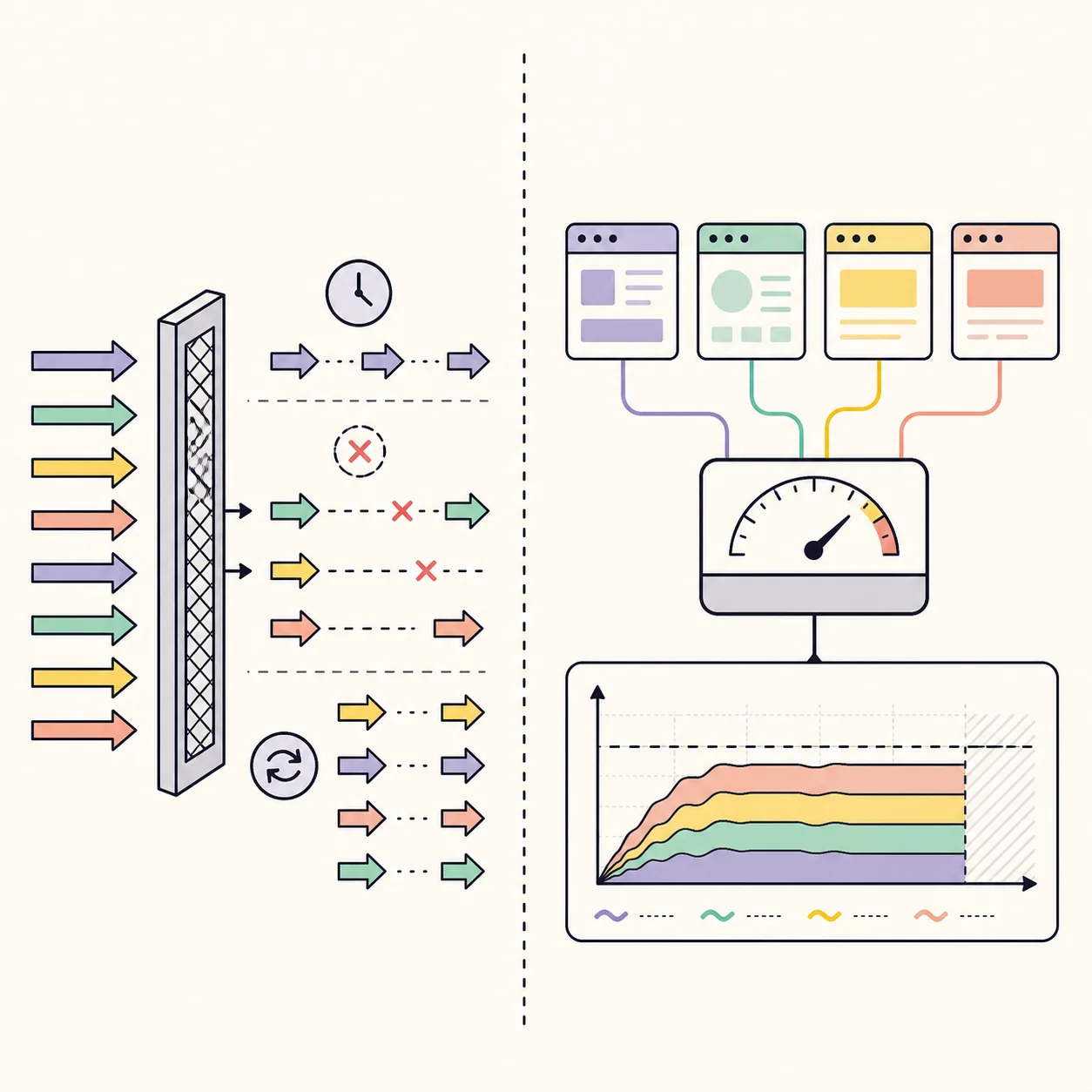
When the operational problem is application traffic, NetLimiter is the more natural category to investigate. A tester may want to inspect which process is communicating, observe its traffic pattern or define a bandwidth rule for that application. Those tasks are different from injecting a controlled packet delay or dropping selected packets.
For current product scope, use the official NetLimiter product information rather than an old mirror, crack page or forum summary. This page intentionally avoids hard-coding a NetLimiter version or price because those details can change independently of the Clumsy release.
NetLimiter can therefore be a better answer when the acceptance condition is throughput, application visibility or a traffic policy. It is not automatically the better answer when the acceptance condition is a retry after a dropped response, a delayed handshake or a delivery-order edge case.
04
Clumsy vs NetLimiter at a glance
The table keeps the comparison tied to test behavior instead of brand popularity.
| Dimension | Clumsy | NetLimiter |
|---|---|---|
| Primary job | Emulate selected network conditions for real traffic | Monitor and control application traffic and bandwidth |
| Typical scope | A filter that can target matching packets | A process, application or traffic rule |
| Strong test questions | What if delivery is delayed, dropped, duplicated or reordered? | What is using bandwidth, and what limit should it have? |
| Evidence to collect | Filter, direction, impairment, baseline, logs and recovery | Application identity, traffic observation, rule and measured throughput |
| Main limitation | Not a full network topology simulator or universal mobile-network model | Not a substitute for packet-condition experiments just because it can limit traffic |
| Safe starting habit | Change one impairment with a narrow filter and select Stop after observation | Start with a reversible rule and verify the affected application only |
05
Choose by job, not by the word network
For a login, checkout or API reliability test, begin by writing the expected failure or recovery behavior. If the test needs a delayed response, an intentional drop or a delivery-order change, Clumsy gives the condition a direct place in the test record. If the test needs a sustained per-application cap or a way to watch traffic consumption, investigate NetLimiter's official scope instead.
If you need both kinds of evidence, keep the phases separate. Establish a clean baseline, run the packet-condition test, stop and prove recovery, then create a separate traffic-control phase. Combining two mechanisms before the first result is understood makes the test harder to reproduce and can create a false diagnosis.
Do not use a comparison page as permission to run an all-traffic rule on a work computer. Close unrelated downloads and calls, define the pass condition, and keep a second baseline after every change.
- Name the behaviorWrite delay, loss, throughput, retry, reconnect or another observable outcome.
- Select the scopeChoose a narrow packet filter or a single application rule.
- Change one variableDo not combine delay, loss and bandwidth caps before the first observation is understood.
- Stop and recoverDisable the condition, repeat the baseline and record whether normal behavior returned.
06
Can the tools be combined safely?
Only when the environment, ownership and measurement plan are clear.
A controlled lab may use separate phases for packet-condition testing and application traffic control. The important distinction is causal clarity: you should know which rule was active, which application was in scope and what recovery step was performed. Keep test accounts, staging services and local logs separate from production work.
Clumsy changes matching live traffic through its packet-diversion path. A bandwidth controller changes a different part of the system's behavior. If both are enabled without a plan, a timeout can be blamed on the wrong mechanism. That is a testing-quality problem as well as a recovery risk.
This site does not provide game-specific lag settings, anti-cheat bypasses, concealed interference instructions or directions for disrupting another person's service. The responsible use case is software development, QA, education and authorized troubleshooting.
Stop the active condition first. Prove the baseline is back, then start a separate experiment. Do not keep increasing values while the system is already unstable.
07
Version and source check
Because this is a download and documentation site, the Clumsy version was checked before publishing this comparison. On 2026-08-06, the official jagt/clumsy release API still identified 0.3 as the latest published final release. The official 0.3 release remains the source of truth.
The stable Win64 A asset checked for this site was 536,789 bytes and the stable Win32 A asset was 581,772 bytes. Both stable GitHub download URLs returned HTTP 200 with an `application/octet-stream` response during the check. The page uses the stable release context rather than copying a temporary signed CDN URL.
If NetLimiter's product scope, pricing or release details change, verify those facts on the official NetLimiter site before updating a future comparison. This page deliberately compares job-to-be-done categories and does not claim that either product is a universal replacement for the other.
| Source | Use in this comparison |
|---|---|
| jagt/clumsy GitHub Releases | Verify the official Clumsy release, assets and source context. |
| NetLimiter official product information | Verify the current product category and official destination. |
| Clumsy Download testing guides | Apply filters, measurements and recovery steps in an authorized environment. |
FAQ
Clumsy vs NetLimiter FAQ
Are Clumsy and NetLimiter the same kind of tool?
No. Clumsy is aimed at emulating selected network conditions for matching real traffic. NetLimiter is aimed at application traffic visibility and control. They overlap around the broad idea of network behavior, but their test questions and evidence are different.
Which is better for testing packet loss or delay?
Clumsy is the closer fit when the goal is to observe an application under a selected delay, drop or delivery-order condition. Use a narrow filter, change one impairment and prove recovery after selecting Stop.
Which is better for limiting one application's bandwidth?
NetLimiter is the more natural category for per-application bandwidth rules and traffic observation. Verify the current scope on the official NetLimiter product page rather than relying on a third-party download description.
Can I run Clumsy and NetLimiter together?
Only in an owned or explicitly authorized test environment with separate phases and a clear record of which rule is active. Establish a baseline, run one mechanism, recover, then test the next mechanism.
Is Clumsy 0.3 still the official release?
The official jagt/clumsy release API and release page checked on 2026-08-06 still identify 0.3 as the latest published final release. A higher number on an unrelated mirror is not proof of a new official release.
Does this page provide lag-switch or game-cheat settings?
No. The comparison is for software development, QA, education and authorized troubleshooting. It does not provide anti-cheat bypasses, concealed interference or instructions to disrupt another user's service.