
Use Clumsy for packet-condition tests on a Windows machine without changing an application's proxy configuration. Use Toxiproxy when a service connection can be routed through a TCP proxy in a repeatable test or CI setup. Use NetLimiter when the question is application traffic visibility or bandwidth control. These tools are not interchangeable.
01
Start with the test boundary
A useful network testing tools comparison begins with the path your test can control.
Use this network testing tools comparison to evaluate the control boundary rather than treating every network utility as equivalent. For selected live traffic on a Windows workstation, Clumsy can apply delay, loss, duplication, or changed delivery order to matching flows. The boundary is the machine, filter, direction, and condition.
If an application can connect through a test proxy, Toxiproxy controls a TCP connection routed through that proxy. This suits repeatable service tests, but it does not cover traffic that bypasses the proxy or non-TCP paths.
For Windows application traffic visibility or management, consider NetLimiter. It is not a packet-fault test. With any tool, define an authorized target, observable result, and recovery check before changing network behavior.
For this comparison, map the network path and test control point before choosing a tool. The network testing setup must reach the application traffic in scope, and the comparison should name the behavior and recovery evidence.
| Test question | Best starting point | Why |
|---|---|---|
| How does a Windows app react to selected live traffic conditions? | Clumsy | It can apply a condition to traffic selected by a filter. |
| How does a service client behave when a proxied TCP connection is impaired? | Toxiproxy | The test can route the connection through a controllable proxy. |
| Which application is using traffic, or should receive a bandwidth rule? | NetLimiter | The task is application-level visibility or traffic management. |
| Can I use one product as a complete replacement for the others? | Usually no | Their traffic boundaries and outputs differ. |
02
Three tools, three traffic models
The product names matter less than the layer where each test acts.
Clumsy works on matching traffic on Windows. Define a filter, enable one condition, and observe the application. Use a narrow filter so unrelated traffic is not part of the experiment.
Toxiproxy is a TCP proxy for development and testing. The application must route the connection through it, so check the route and protocol before selecting this approach.
NetLimiter focuses on observing and managing Windows application traffic. It can help investigate usage or a throughput rule, but should not be treated as proof of packet-loss, reordering, or retry behavior.
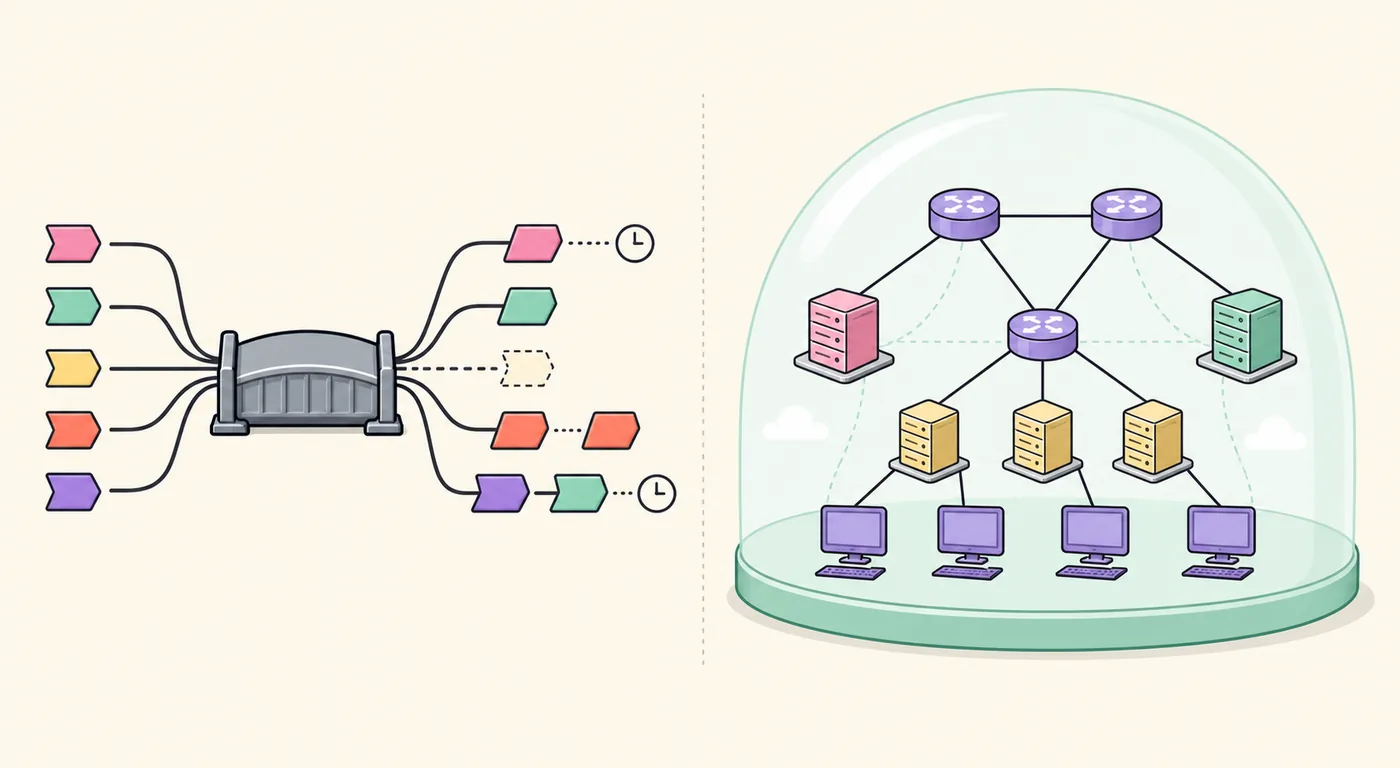
This editorial illustration compares traffic concepts; it is not a product screen.
The comparison of network testing tools is about architecture as much as features. Note whether the tool requires a proxy, filters Windows traffic, or manages application throughput; those choices change test coverage.
| Dimension | Clumsy | Toxiproxy | NetLimiter |
|---|---|---|---|
| Where it acts | Filtered Windows traffic | TCP connections routed through it | Windows application traffic |
| Typical output | App behavior under a condition | Client or service behavior | Traffic visibility or rule effect |
| Setup dependency | Windows and a precise filter | A configured proxy route | Application rule setup |
| Not a direct substitute for | Proxy tests or traffic dashboards | Unproxied or non-TCP paths | Packet-fault or retry tests |
03
Choose by the outcome you need to observe
A selection should be justified by evidence the test can actually collect.
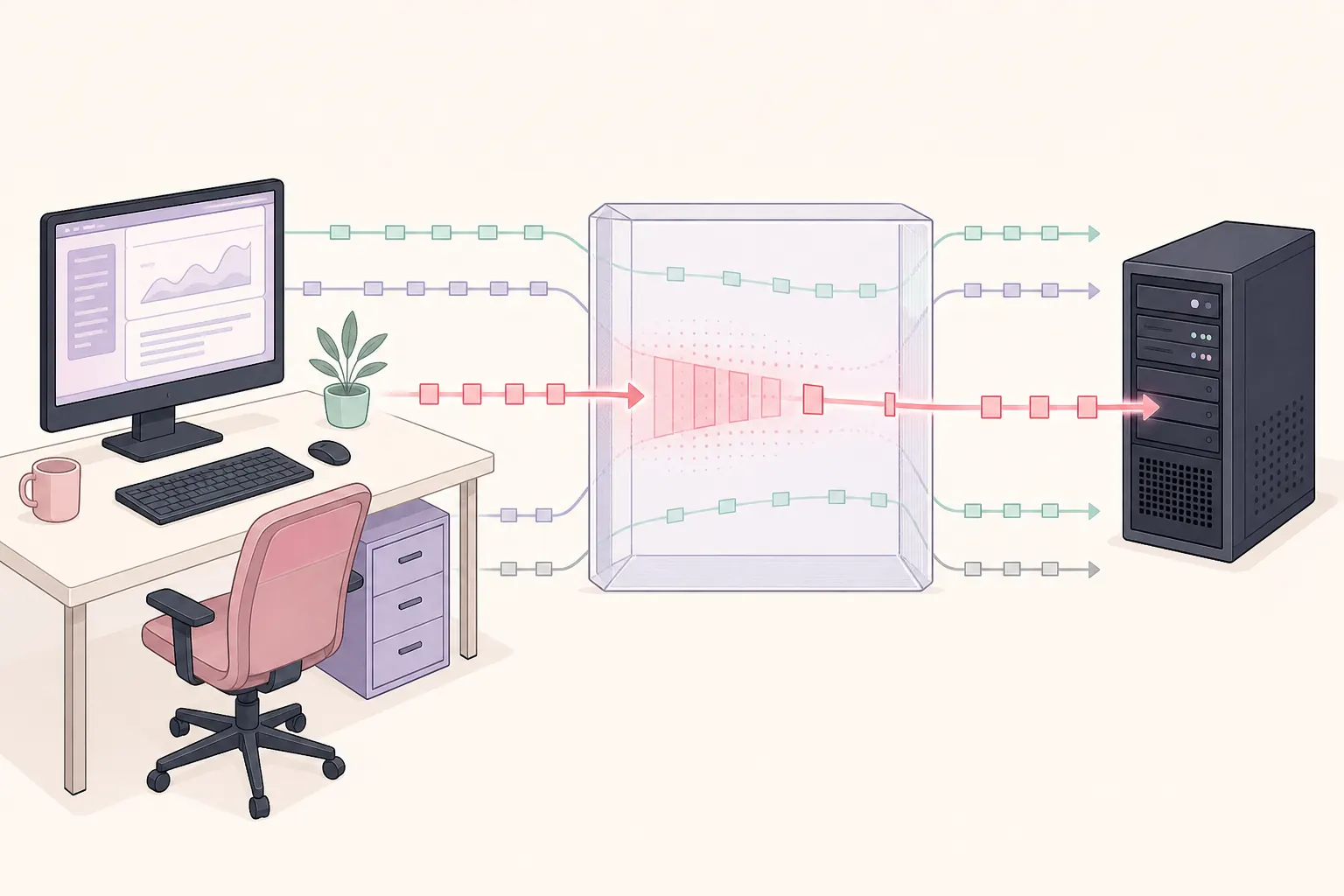
For a desktop client that calls an API directly, choose Clumsy when you need to alter matching traffic without changing the client's proxy settings. Record the filter, direction, condition, and value; then observe a loading state, retry, or recoverable error. An enabled condition alone does not prove the intended packets were affected.
For a service test with a configurable endpoint, route the connection through Toxiproxy and capture client and service logs. The explicit route can be repeated in CI. Cover secondary connections or protocols separately if they bypass the proxy.
Use NetLimiter when a Windows investigation concerns process traffic or an application-level throughput rule. Compare the same transfer before and after, while checking for server, disk, Wi-Fi, or concurrent-process limits.
Combining categories adds variables. Start with one mechanism and add another only when the test question requires it.
A network test plan should name the expected output before settings change. This comparison is useful when the testing result is visible in the client, service, or measured transfer, not just in a tool control.
- Need packet-level network testing on a Windows client? Choose Clumsy, a network testing tool for filtered live traffic, and keep the filter narrow.
- Need repeatable TCP fault behavior in CI? Route an integration test through Toxiproxy; compare the same network test result across runs.
- Need per-application traffic visibility or a bandwidth policy? Use NetLimiter to monitor network traffic and compare measured throughput before and after.
- Need a result the tool cannot expose? Add logs or telemetry, then compare testing evidence instead of claiming the tool proved network behavior.
04
Make the comparison repeatable
The tool is only one part of a defensible network test.
Write the hypothesis first: for example, a delayed request should remain pending, retry after the client timeout, and recover when the condition is removed. Name the application, path, expected behavior, and recovery condition.
Run the action without a fault and save a baseline. Change one condition, keep other variables fixed, and capture timestamps, client and service logs, and the visible result. Stop the condition, repeat the action, and confirm normal behavior returns.
Record the Clumsy filter and direction, the Toxiproxy route and configuration, or the NetLimiter application and rule. Also note the OS, application build, endpoint, test window, and concurrent activity.
If results vary, narrow the scope before increasing the condition. A repeatable moderate test is more useful than changing several behaviors at once.
Keep a network test record with the same client action and endpoint. Repeat the testing procedure after recovery so the comparison captures both the impaired result and the return to baseline.
- Define the boundaryName the application, owned test endpoint, protocol or traffic path, and the people authorized to run the experiment.
- Capture a baselineRun one representative action with the condition disabled and preserve the client and service observations.
- Change one variableUse one tool and one condition. Record the exact filter, proxy route, or application rule that defines the experiment.
- Observe and restoreCapture the expected outcome, stop the condition, repeat the baseline action, and confirm the system recovered.
05
Limits, ownership, and safe use
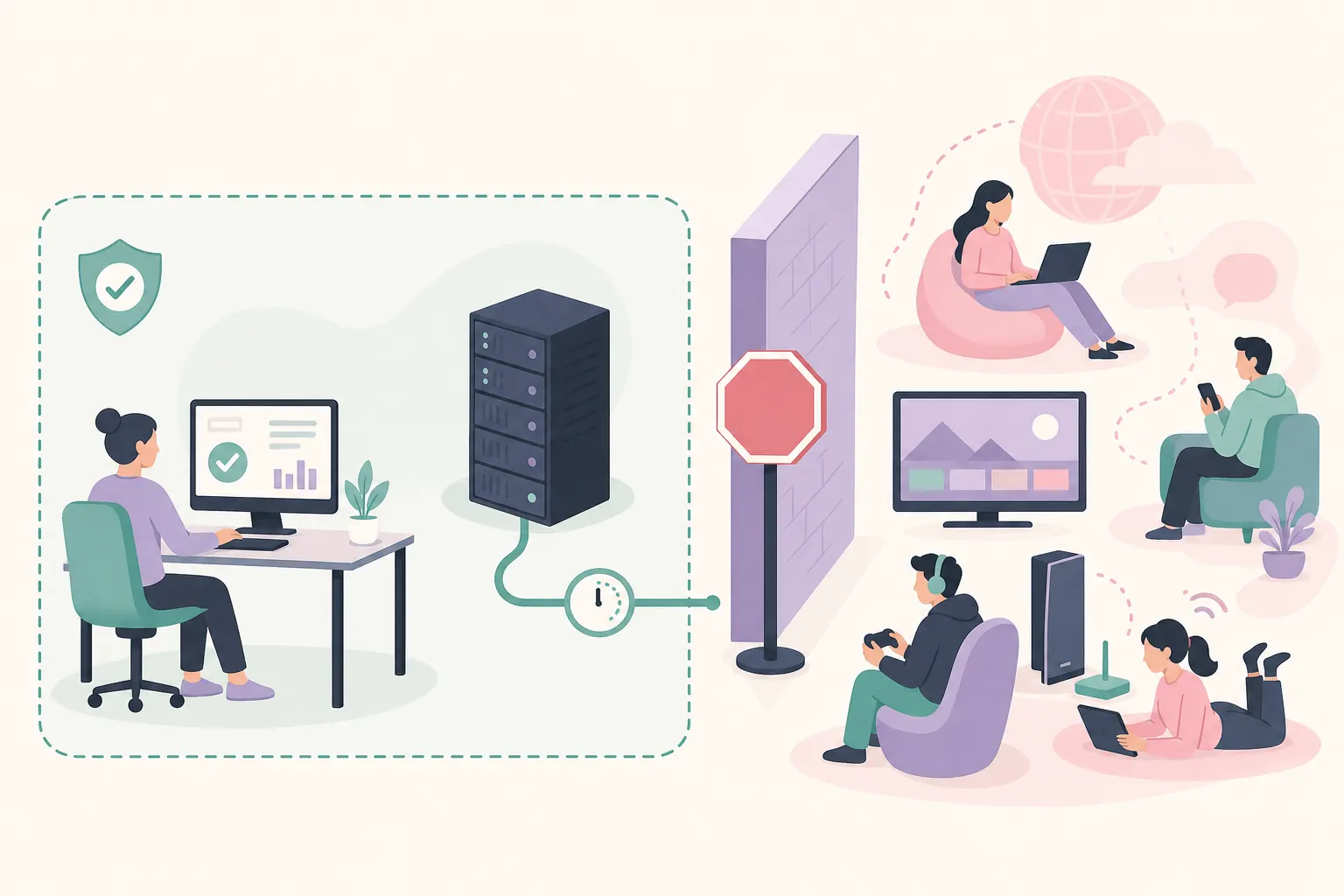
Because these products can change traffic, run tests only on systems and services you own or are authorized to assess. Prefer a lab, local test service, or documented staging environment; do not impair shared production or third-party traffic.
A configured condition may miss the intended request: filters can match the wrong flow, proxy routes can be bypassed, and throughput can be limited elsewhere. Validate the path with application or service evidence and keep a stop action ready.
If other users are affected or the condition cannot be stopped cleanly, stop and restore the baseline. The goal is reliability evidence, not disruption.
Network testing tools can affect a route beyond one request. Limit scope, monitor the process, and keep the testing window short; this comparison applies only to an authorized setup.
Use Clumsy, Toxiproxy, and NetLimiter only within an owned or explicitly authorized test boundary. Keep the target, condition, observation, and recovery step documented.
06
Check official sources and release status
Use first-party sources before installing. The Clumsy GitHub Releases page was checked on 2026-11-05; its latest published official release remained 0.3. A third-party archive or higher version label is not automatically official.
Check the Toxiproxy project repository for current documentation and releases, and the NetLimiter vendor site for current product details. Features and terms can change.
This article compares testing roles, not prices. See the Clumsy workflow, source guide, and network emulator guide for related steps. Treat product pages as current sources: revisit this comparison if a tool changes supported behavior, and check documentation before moving a network testing workflow into CI.
| Source | Use it to verify |
|---|---|
| Clumsy GitHub Releases | Official tags, published assets, and release notes |
| Toxiproxy project repository | Project documentation, supported setup, and releases |
| NetLimiter vendor site | Current product, edition, and platform information |
FAQ
Network testing tools comparison FAQ
Is Clumsy the same kind of tool as Toxiproxy?
No. This comparison covers different network testing boundaries: Clumsy conditions matching Windows traffic, while Toxiproxy affects TCP connections routed through its proxy.
Can NetLimiter simulate packet loss?
NetLimiter focuses on traffic monitoring and management. Verify current vendor documentation before treating the tool as a packet-fault testing option.
Which tool is best for CI testing?
For a network testing workflow in CI, Toxiproxy fits when the test can route a TCP connection through a controlled proxy. Clumsy can fit a Windows client test.
Which tool should I use to test a Windows desktop app?
For Windows network testing, use Clumsy for selected live traffic conditions or NetLimiter for application visibility and bandwidth rules. Toxiproxy fits a configurable service connection.
Can I combine Clumsy and Toxiproxy?
Yes, when the test requires both paths. Compare each tool's effect alone first; combining network conditions adds variables and can blur the result.
Is Clumsy 0.4 an official release?
The Clumsy releases page checked on 2026-11-05 still listed 0.3 as the latest published official release. Verify the source directly before downloading another label.