
Start with a baseline, choose one impairment, use the narrowest filter that answers the question, run one repeatable action, record client and server evidence, then select Stop and repeat the baseline. Link to a focused latency, packet-loss, bandwidth or packet-order guide when the scenario is clear.
01
What this Clumsy network testing guide covers
The best first decision is the test question, not a dramatic percentage.
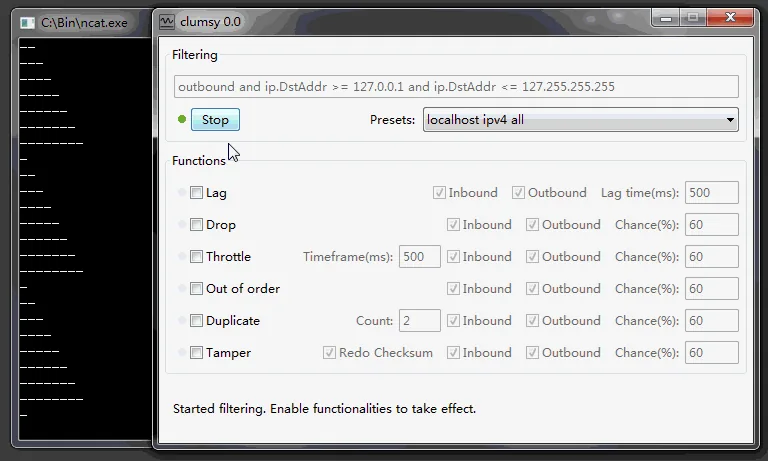
Clumsy changes selected Windows traffic through WinDivert. Modules delay, drop, duplicate, reorder, modify or throttle matching packets. This lets teams observe real apps under repeatable conditions. It does not create a virtual router, diagnose an ISP or guarantee mobile behavior.
A guide hub complements the six-step setup tutorial: this page helps a developer or QA engineer choose a scenario, decide what to record and open the narrowest focused recipe. Diagnose a real fault first, then simulate a known condition for a controlled reproduction.
Use Clumsy only on a device, application and network path that you own or are explicitly authorized to test. Low-level packet changes can affect remote access, updates, calls and unrelated browser tabs when the filter is broad. A responsible test is reversible, observable and easy for another person to repeat.
- One owned or authorized application workflow.
- One condition and one documented value per run.
- A baseline measured before and after the impairment.
- Client, server and user-visible evidence when a request can have side effects.
02
Choose the right Windows network test scenario
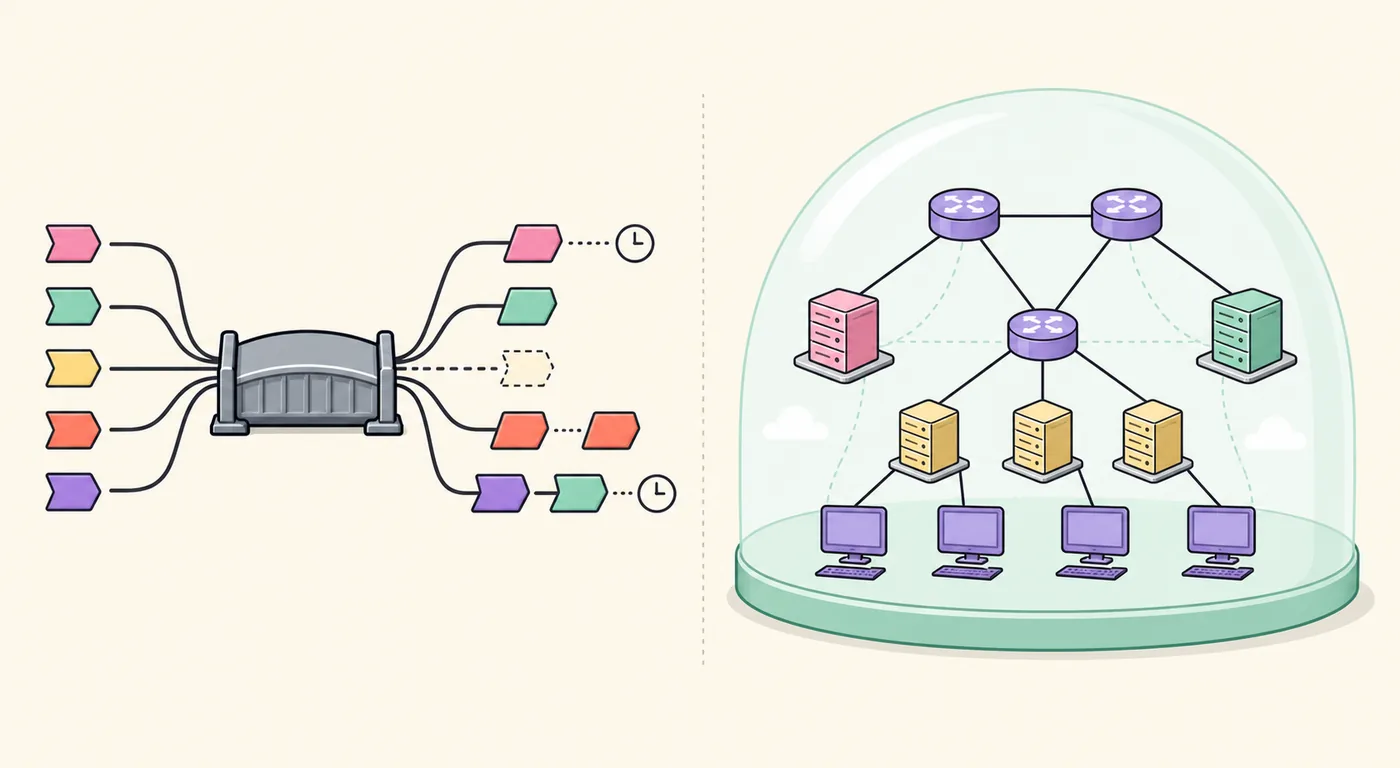
Match the condition to the product behavior you need to observe. This Clumsy network testing guide keeps that choice explicit. Do not combine Lag, Drop and Throttle in the first run: if the workflow fails, you will not know which condition caused it. Start with the smallest profile that can answer the question, then create a separate boundary run if the requirement calls for a stronger condition.
The network emulator guide explains emulation versus simulation. Use browser throttling for one tab or a proxy for HTTP rules; use Clumsy when a Windows application needs real packet conditions without code changes.
| Question | Start with | Evidence to collect |
|---|---|---|
| Does the interface explain a slow response? | Lag with 200-300 ms on one target | Immediate acknowledgement, loading state, timeout and cancellation |
| Do retries recover from missing traffic? | Drop at a low chance | Request IDs, retry count, reconnect and duplicate-side-effect checks |
| Does a large transfer remain usable? | Throttle or Bandwidth on one transfer | Progress, queue behavior, cancellation and final byte count |
| Can the client handle repeated delivery? | Duplicate on a safe test record | Idempotency result and server record count |
| Does a stream preserve sequence? | Out of order on a disposable stream | Sequence numbers, buffering, reassembly and recovery logs |
03
Prepare a baseline before changing packets
A controlled Clumsy test starts with normal behavior that can be compared later.
Write the question as an observable statement. For example: ‘When the staging API receives an added 300 ms delay, the order page should acknowledge the click, preserve the filters and render one result without a duplicate request.’ Name the application build, target host or port, expected user-visible state and the action that will prove recovery. ‘Make the network bad’ is too vague to produce useful evidence.
Run the action without Clumsy and record response time, loading behavior, status code, request identifier, server log entry or transfer size. Pause unrelated downloads and use staging data for write operations.
Verify the archive before troubleshooting. The official jagt/clumsy 0.3 release is a portable Windows ZIP with Win64 and Win32 choices and A/B/C signature variants. The official manual covers filters and direction; do not replace a blocked archive with an unknown modified build.
- DefineWrite one product question, target, condition and pass statement.
- BaselineRun the exact action normally and save the evidence you will compare.
- VerifyKeep the official archive, architecture and checksum in the test record.
- ProtectUse staging data or a disposable account for operations with side effects.
04
Scope the filter and direction
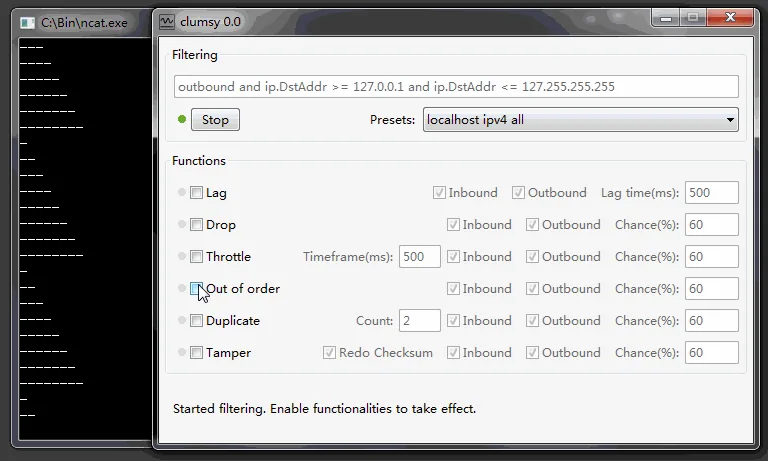
The filter is the boundary of the experiment. A rule that matches every packet can make authentication, monitoring, remote support and unrelated applications appear broken. Start with a known destination, protocol or port that represents the application. A port expression can still include multiple applications, so explain its scope in the test record rather than calling it application-specific by default.
Direction changes the observation: outbound delay tests the request path, while inbound delay tests loading and timeout feedback. Start with one direction, then create a second run if both paths matter.
If you cannot explain what a filter matches, do not paste it from a forum or video. Select Stop, simplify the expression and save the filter, direction and timestamps with the result.
| Scope choice | Useful when | Common mistake |
|---|---|---|
| Known host or service | One staging endpoint is the test target | Assuming the host covers every related dependency |
| Protocol and port | The workflow has a clear transport boundary | Impairing other applications that share the port |
| Inbound only | Response timing or render behavior is the question | Forgetting that the request path remains normal |
| Outbound only | Request delay or send-side behavior is the question | Treating the added delay as total round-trip latency |
| All traffic | A disposable, explicitly approved system-wide test | Running it on a work machine or shared connection |
05
Run one condition and collect evidence
A good test produces a comparison, not just a slow screen.
Enable one module and enter a documented value. Lag is usually the clearest first condition because it delays matching packets without intentionally discarding them. A 200-300 ms delay is a practical starting point for a non-critical workflow; increase it only when a product requirement asks for a boundary. Select Start, perform the same action used for the baseline and avoid changing the value during the run.
Observe the first visible acknowledgement as well as the final response. Does a button show progress? Can the user cancel? Does the client preserve form state? Which timer fires first? Pair the screen observation with request IDs, timestamps, status codes and server logs when the operation can be retried or repeated. A missing response does not prove that the server never completed the original request.
Keep each run short and named. Save the application and Windows versions, Clumsy version, archive source, filter, direction, module values, baseline, result and recovery confirmation so a temporary impairment is not mistaken for a permanent fault.
- ConfirmReview the filter, direction and module list immediately before Start.
- RunPerform one known action with one condition and one recorded value.
- ObserveCapture user feedback, client timing and server-side evidence.
- StopSelect Stop before changing a value or moving to a new scenario.
- CompareRepeat the baseline action and record whether normal behavior returned.
06
Move from the hub to a focused Clumsy recipe
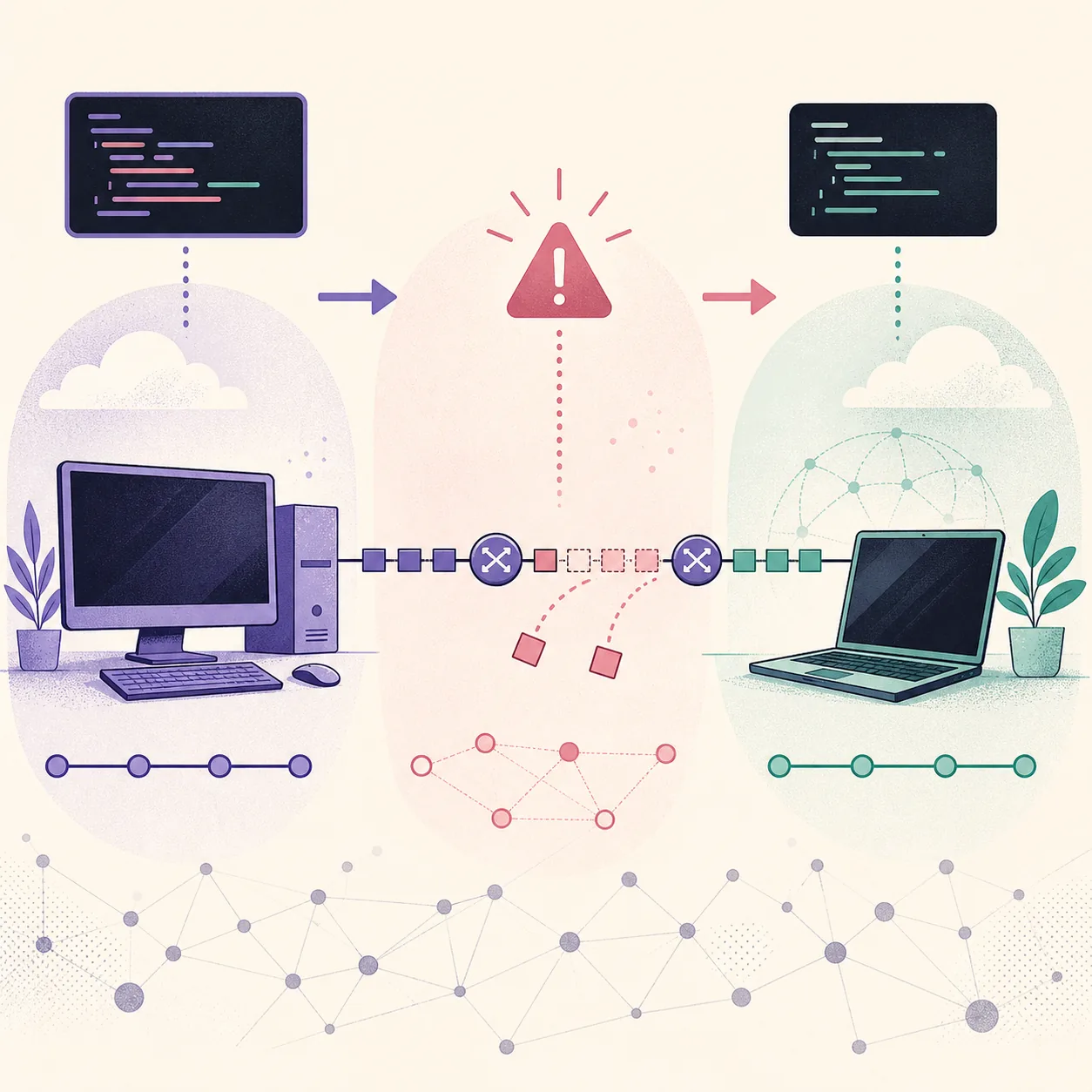
Once the question is clear, use the smallest focused guide. The latency guide covers delay and timeouts; the packet-loss guide covers Drop and retries. Use the bandwidth guide for transfer progress and the out-of-order guide for sequencing.
A focused recipe should state what it changes, what it cannot prove and how to recover. For a real connection problem, use the Windows packet-loss diagnostic guide before simulating loss; for a driver failure, use Error Code 3 troubleshooting.
| Need | Next page | Keep separate |
|---|---|---|
| Understand the first run | How to Use Clumsy | Do not widen the filter just to get a stronger effect |
| Test fixed delay | Latency simulator | Do not call delay a bandwidth limit |
| Test missing packets | Packet loss simulator | Do not infer server failure from a lost response |
| Test a slow transfer | Bandwidth throttling | Do not combine several rates in one run |
| Test ordering | Out-of-order packets | Do not mix Drop before confirming sequence behavior |
07
Recover, document limits and choose another tool
Recovery is part of the test. This Clumsy network testing guide treats recovery as a required result. Select Stop as soon as the observation is complete, close Clumsy when appropriate and repeat the baseline action. Confirm that the target and an unrelated ordinary action behave normally. If the network remains unstable, check whether Clumsy is still running, whether another packet tool or VPN is active and whether the filter was broader than expected. Stop experimenting while the baseline is unknown.
Clumsy is not a complete network laboratory. Use a simulator for virtual routers, a proxy for HTTP rewriting, browser throttling for one tab or a programmable controller for automated cross-platform profiles.
Do not use this guide for cheating, anti-cheat bypasses, concealed lag switching or disruption of third-party services. A safe statement is concrete: delay one staging endpoint by 250 ms, observe the loading state, verify the retry policy and prove recovery after Stop.
A Clumsy session is complete only when the impairment is stopped, the baseline action is repeated and the recovery evidence is saved with the filter and module settings.
FAQ
Clumsy network testing FAQ
What is the best first Clumsy test?
Use one non-critical application, a narrow filter and a modest Lag value such as 200-300 ms. Record the normal behavior first, observe one known action and prove recovery after Stop.
Should I diagnose packet loss before simulating it?
Yes. Compare a fixed sample against the local gateway and an external target first. Use Clumsy afterward to reproduce a controlled loss condition for an authorized application test.
Why should a Clumsy filter be narrow?
A narrow filter limits the blast radius and makes the result easier to explain and recover. A broad rule can affect remote access, updates, calls and unrelated applications.
What is the current official Clumsy version?
The official jagt/clumsy release checked for this guide is 0.3, published on October 21, 2023. Use the official release history and the existing 0.3 page to verify files rather than trusting a higher number on a mirror.