
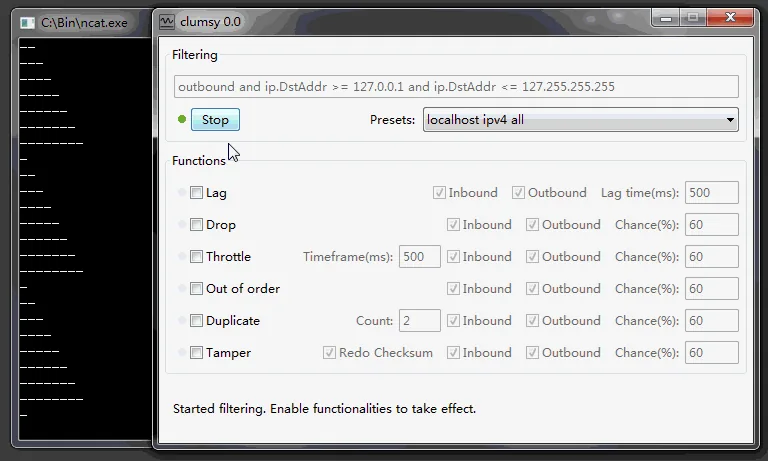
Extract the complete official ZIP, keep every file together, close other packet-capture or network-control tools, and run Clumsy with authorized administrator access. If error code 3 remains, inspect the existing WinDivert service before considering the official service cleanup procedure.
01
What Clumsy error code 3 means
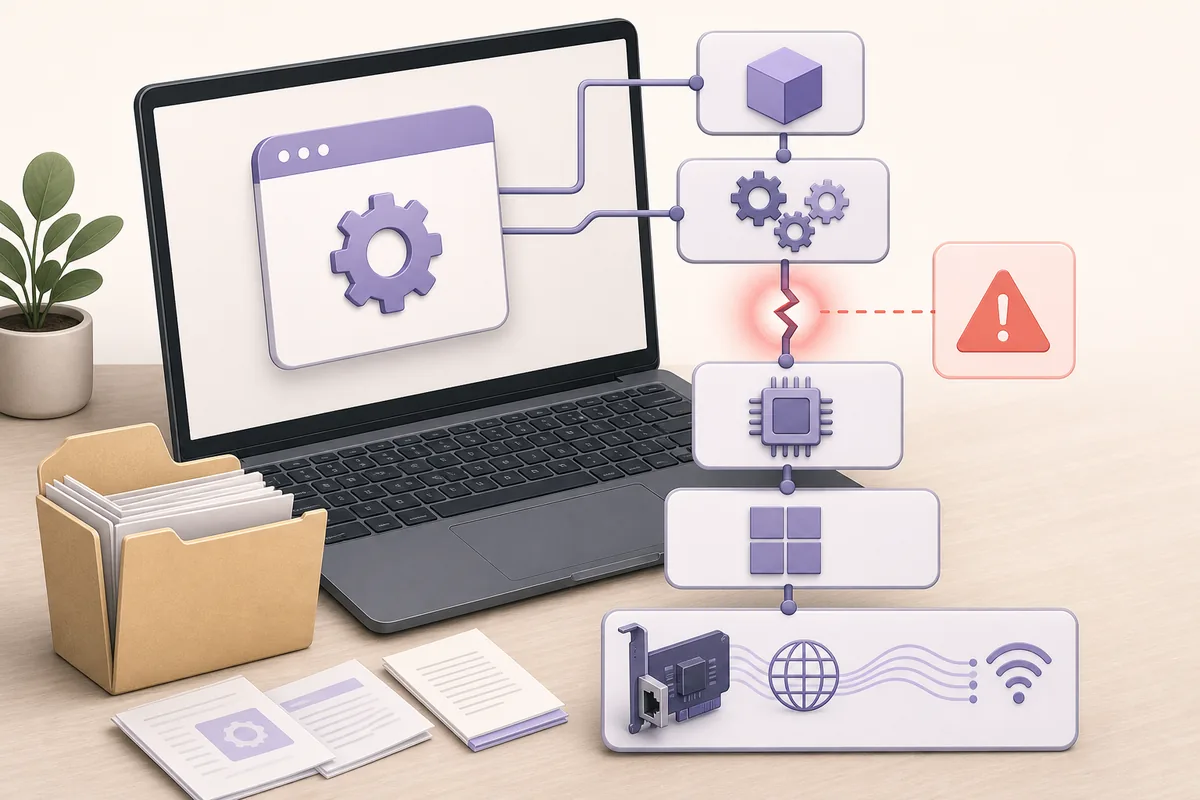
Clumsy changes matching traffic through WinDivert. Selecting Start asks Windows to load or connect to that packet-diversion layer. Error code 3 indicates that this startup chain failed before Clumsy could begin filtering traffic.
The message does not prove that the Clumsy executable is corrupt, and it is not a useful reason to download an unofficial repack. Common causes include running the EXE from inside the ZIP, separating it from supporting files, insufficient permission, a stale WinDivert service or another application using a different WinDivert build.
The official Clumsy manual FAQ documents error code 3 as a WinDivert service problem. Project issues also show the same message on different Windows versions, so diagnose the driver state rather than assuming a Windows version alone is the cause.
02
Run the safe checks first
Do these checks in order. They do not remove drivers or change persistent Windows configuration.
- Stop the current testClose Clumsy and any active network impairment, VPN, packet capture, traffic shaping or security test tool.
- Use the official archiveDownload Clumsy 0.3 from the official GitHub Release. Do not use a mirror or an unknown installer.
- Extract every fileExtract the complete ZIP into a normal folder. Do not launch the executable from the compressed archive and do not move only clumsy.exe to another location.
- Confirm architectureUse Win64 for an x64 Windows installation and Win32 only for a 32-bit x86 installation. The A, B and C variants use different official WinDivert signatures but provide the same Clumsy features.
- Use authorized elevationRight-click Clumsy and run it as administrator only on a device where you have permission to load packet-diversion software.
- Try a narrow testUse a known simple filter and one modest impairment. If Start succeeds, select Stop and confirm the baseline connection returns immediately.
A managed device may intentionally block packet-diversion drivers. Read the exact security event and follow device policy instead of cycling through builds to evade a control.
03
Check for a WinDivert service conflict
Several Windows applications can bundle WinDivert, including traffic monitors, capture tools, bandwidth controllers and privacy or firewall utilities. A stale service or a version conflict can prevent Clumsy from starting its own compatible driver.
Open an elevated Command Prompt and run sc query WinDivert. A returned service record confirms that Windows knows a service with that name; it does not identify which application created it. Record the result before changing anything.
Next, review recently installed or currently running network utilities. Close them normally and retry Clumsy. If a corporate security product owns the service, stop and contact the administrator. Deleting a shared driver without knowing its owner can break another application.
| Observation | What it suggests | Best next action |
|---|---|---|
| Clumsy works after full extraction | A support file was missing inside the earlier launch path | Keep the complete extracted folder together |
| Clumsy works after closing another network tool | Both tools competed for WinDivert or packet access | Do not run the conflicting tools together |
| A WinDivert service exists while no owner is known | The service may be stale or shared | Identify its owning application before removal |
| Security policy blocks the driver | The endpoint is intentionally managed | Request approval; do not bypass the policy |
04
Use the official WinDivert cleanup only when appropriate
The official manual suggests stopping and deleting the WinDivert service, then restarting Clumsy. Treat this as a targeted repair, not the first step. Only continue when other WinDivert-based applications are closed, you understand the service owner and you have authority to change Windows services.
In an elevated Command Prompt, inspect the service first with sc query WinDivert. If removal is appropriate, run sc stop WinDivert and then sc delete WinDivert. Restart Windows before testing again so the service and driver state are clean.
After restart, open the fully extracted official Clumsy folder and run the correct architecture build with authorized administrator access. Windows may recreate the compatible WinDivert service when filtering starts. The project discussion in GitHub issue #51 shows why this procedure should be accompanied by a reboot and conflict check rather than repeated deletion.
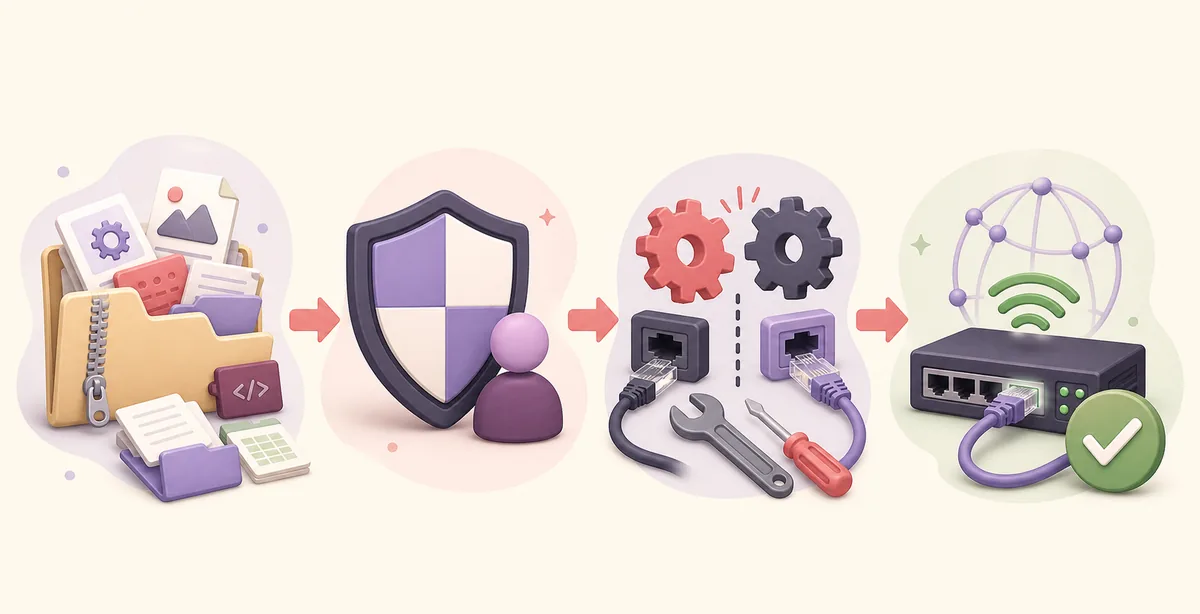
Create a restore point or follow your organization’s recovery process when required. If you cannot identify the service owner, do not delete it.
05
What to know on Windows 11
The official Clumsy README explicitly lists Windows 7, 8 and 10, but not Windows 11. Error code 3 has nevertheless been reported by Windows 11 users as well as Windows 10 users. That makes the error a driver-state and compatibility troubleshooting problem, not proof that every Windows 11 installation is unsupported.
On Windows 11, check Windows Security history, organization policy, Core isolation settings and any recently installed network utility before changing services. Do not weaken a security feature solely to make Clumsy run. A disposable test VM or an approved lab machine is safer when your production device has strict driver policy.
If Clumsy opens but Start still fails after clean extraction, elevation, conflict review and reboot, collect the Windows build, Clumsy archive name, exact error, security event and sc query WinDivert output. That evidence is more useful than repeatedly downloading different builds.
06
Confirm recovery without creating a new network problem
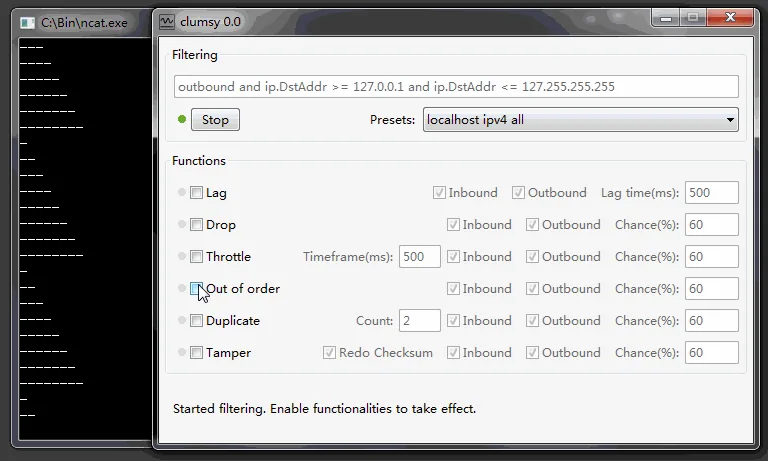
Once Clumsy starts, test one non-critical application with a narrow filter and a modest lag value. Record the baseline first, enable the impairment briefly, select Stop and repeat the baseline action. Normal behavior should return immediately.
If networking remains abnormal after Stop, close Clumsy and confirm the process ended. Recheck VPNs, proxies, firewalls and other packet tools. Restart the lab environment if needed. Do not interpret a lingering system conflict as proof that the tested application failed.
Use the detailed Clumsy setup guide for filters, evidence collection and recovery. For a controlled impairment scenario, continue with the latency guide or packet-loss guide.
- Record the exact archive name and Windows build.
- Change one variable at a time.
- Keep the first test narrow and reversible.
- Select Stop and verify the baseline after every run.
- Escalate managed-device blocks instead of bypassing them.
FAQ
Clumsy error code 3 FAQ
What causes Clumsy error code 3?
The usual causes are incomplete extraction, missing support files, insufficient administrator permission, a stale WinDivert service, a conflict with another WinDivert-based application or a managed security policy.
Should I delete the WinDivert service immediately?
No. First close other network tools, inspect the service and identify its owner. Delete it only when the official cleanup applies and you have authority to change the computer.
Which commands are used for the official cleanup?
Inspect with sc query WinDivert. When removal is appropriate, use an elevated Command Prompt to run sc stop WinDivert and sc delete WinDivert, then restart Windows before retrying Clumsy.
Does error code 3 mean Clumsy does not support Windows 11?
Not by itself. The official README does not explicitly list Windows 11, but the same error can reflect extraction, permission or WinDivert conflicts on multiple Windows versions.
Should I download Clumsy 0.4 or 0.6 to fix it?
No. The official jagt/clumsy release list still ends at 0.3 as checked on July 22, 2026. Higher version labels found elsewhere are not verified official fixes.
Where should I report a repeatable failure?
Use the official GitHub issue tracker with the Windows build, exact Clumsy archive, error text, security event, WinDivert service query and steps already tested. Remove sensitive device or network details first.