
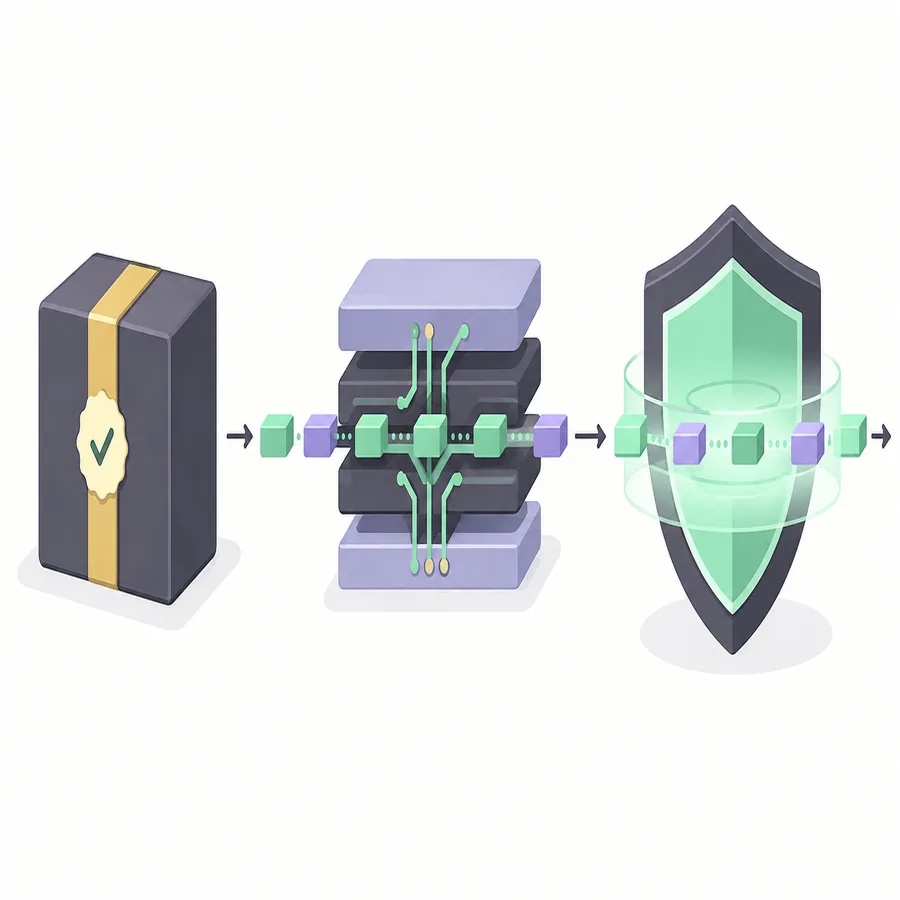
For a Clumsy Windows Defender warning, start with provenance, not an exclusion. Compare the release tag, archive name, byte size and full SHA-256 with official 0.3. Then inspect what Windows Security detected and where. If the device is managed, ask the administrator.
01
Why a Clumsy Windows Defender warning can appear
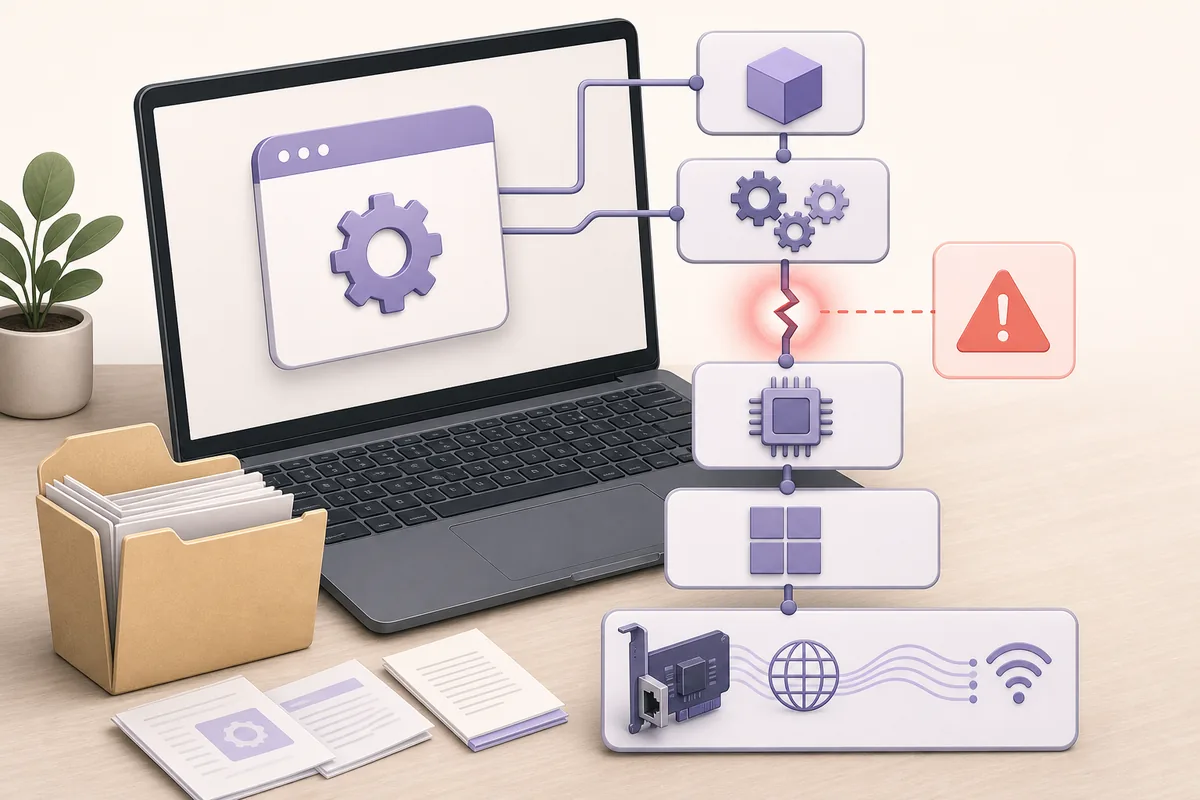
Clumsy is not a passive speedometer. It uses WinDivert to match traffic and place packets into a controlled impairment path. Depending on the module, it can delay, drop, duplicate, reorder or alter packets. A Clumsy Windows Defender warning is therefore more likely to involve a driver or behavior rule than a normal desktop utility.
Endpoint protection may flag the executable, driver, extraction path or behavior. Record the detection name and affected path instead of treating a generic warning as proof of malware or safety.
Use the WinDivert documentation for driver context and the site's Clumsy GitHub verification guide for source details.
02
Verify the official Clumsy download before making a decision
The safest first question is not ‘How do I turn the warning off?’ It is ‘What exact file did I download, and can I trace it to the published release?’
The official release checked here is Clumsy 0.3 from the jagt/clumsy GitHub repository. It offers Win32 and Win64 A, B and C ZIP archives with different WinDivert signatures. Start with the matching architecture and A archive unless your approved process requires another variant.
Use the official 0.3 release page, not a countdown page, mirror or repackaged installer. If the local file differs from the published name, size or full SHA-256, quarantine it and obtain a clean copy.
| Check | What to record | Why it matters |
|---|---|---|
| Repository | jagt/clumsy and the 0.3 release tag | Separates the project asset from a similarly named mirror. |
| Archive | Win32 or Win64, A/B/C variant and exact filename | A different architecture or signature changes what you are evaluating. |
| Size | The complete ZIP byte count | A truncated or repacked file may keep the same visible name. |
| Hash | Full SHA-256 from the verified release record | A digest compares the bytes, not just the label. |
| Context | Detection name, path and security event | The endpoint product may be reacting to a driver or behavior rule. |
The official release is evidence of provenance, not a promise that every endpoint policy will allow a packet-diversion driver. Keep the security decision separate from the download decision.
03
Read what Windows Security actually detected
Open Windows Security and review Protection history. Note the detection name, affected filename, full path, action and timestamp. A quarantined driver, a ZIP reputation warning and an organization-policy block are different events, so copy the details before clearing history.
Check whether the path belongs to the verified archive or an unexpected temporary folder. An official-source alert still deserves review; an unknown mirror is a reason to stop. Do not restore a file because its name contains ‘clumsy’ or a comment calls the warning harmless.
If the detection is unclear, capture its exact text and ask the device administrator or security team.
- Record the eventSave the detection name, path, action and timestamp before removing or restoring anything.
- Compare provenanceMatch the file to the official repository, release tag, filename, size and SHA-256.
- Check ownershipDecide whether the device and network are personal, lab-owned or managed by an organization.
- Choose a controlled responseFollow the approved security workflow; do not use an exclusion as the first diagnostic step.
04
Separate an official warning from an unsafe repackaged file
A common mistake is to search for a higher version after Clumsy is blocked. Results may mention 0.4, 0.4 v2 or 0.6, but the official release history checked here ends at 0.3. A higher number does not prove an official build, and a modified package may hide changes.
If the file came from a third-party page, stop and restart from the official release. Do not use a repackaged installer or a package that asks you to turn off protection. Treat an authorized internal rebuild as a separate artifact and record its repository, commit, build process, reviewer and checksum.
- Official repository and release tag are visible.
- Archive name and architecture match the release asset.
- Full SHA-256 matches the recorded official bytes.
- No extra installer, wrapper or unexplained executable was added.
- The test has a clear owner and a reversible recovery plan.
05
Choose the response that matches the device context
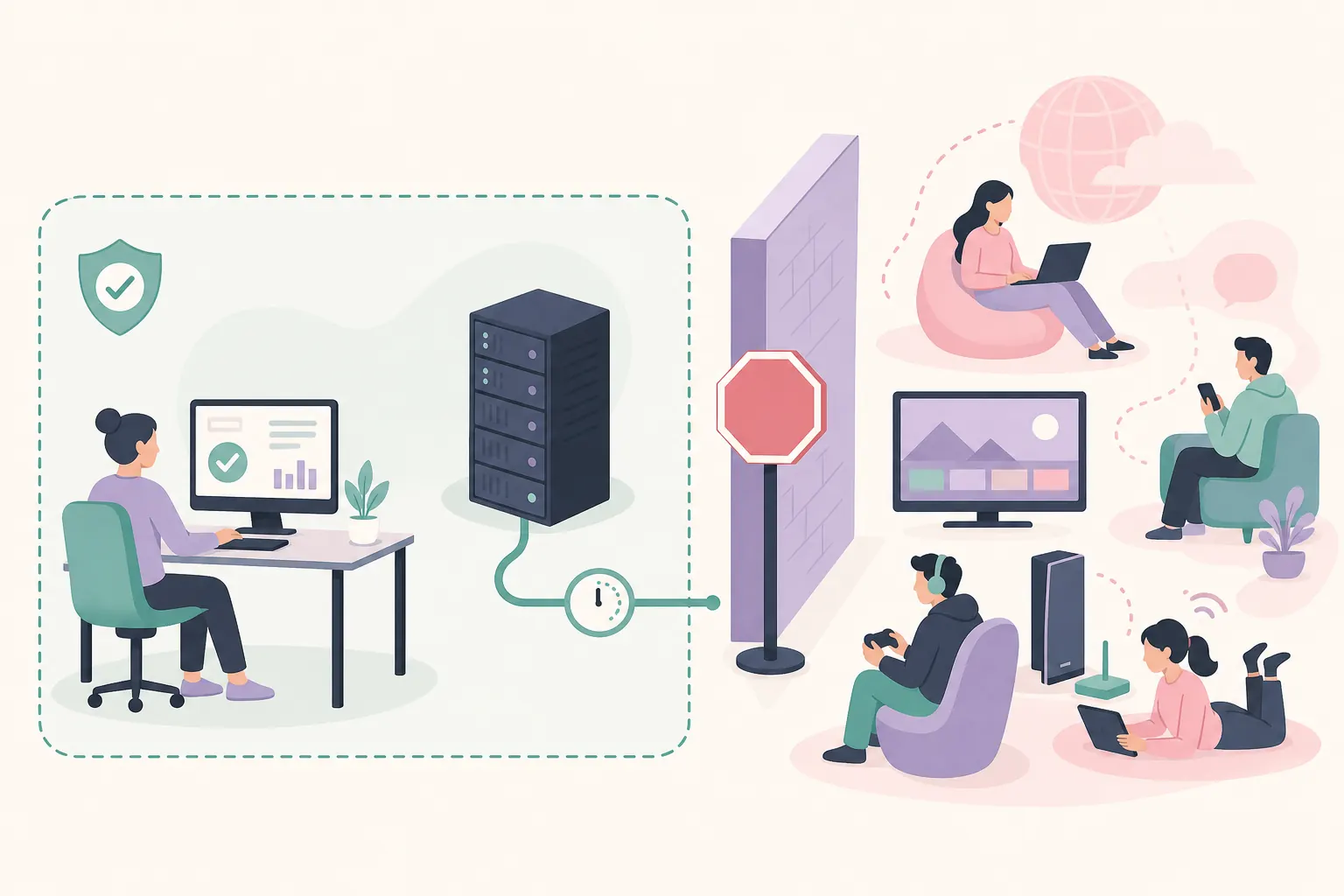
There is no universal ‘allow’ answer. A disposable lab machine, a family PC and a corporate endpoint have different owners and acceptable risk. Use the narrowest response that supports an authorized test and keep the original protection setting available for rollback.
On a managed device, send the release URL, hash, detection details and test purpose to IT or security instead of changing policy yourself.
| Situation | Safer next step | Avoid |
|---|---|---|
| Verified archive on an approved lab PC | Ask the owner to review a narrowly scoped, temporary approval and record the rollback step. | Permanent exclusions for a whole downloads folder. |
| Company or school device | Provide the official source, hash and detection event to IT/security. | Changing Defender policy or deleting a driver without authorization. |
| Unknown mirror or altered file | Delete or quarantine it and restart from the official release. | Restoring it because a forum calls it a false positive. |
| Repeated block after verification | Collect the Windows build and detection name for a security review. | Downloading random builds until one runs. |
06
If an approved test needs a temporary exception
Only the device owner or authorized administrator should approve a restore or exclusion. Keep it narrow: use the verified folder or exact file, limit the time window, remove it after the test and record the approver, reason, hash and rollback.
Do not exclude Downloads, the user profile or every ZIP. If a narrow path is unavailable, use an approved test VM or lab computer instead of weakening a production machine.
After approval, run one small test, select Stop, close Clumsy and confirm the baseline connection is normal. Repeat source and hash checks whenever the file changes.
Record the exception owner, time window and rollback.
07
When the warning is followed by Clumsy error code 3
A Defender warning and Clumsy error code 3 can appear in the same troubleshooting session, but they are not the same diagnosis. Error code 3 usually means that Clumsy could not start its WinDivert filtering path. Incomplete extraction, missing support files, insufficient permission or a service conflict can all matter even when the archive itself is verified.
First close Clumsy and other packet tools, recheck the complete official extraction and use authorized administrator access. If WinDivert cannot start or be removed, record the exact message and inspect the service owner before changing it.
Use the detailed Clumsy error code 3 guide for service-specific checks. This page stays focused on the security decision: verify the artifact, understand the local detection, and involve the owner before a driver or policy change.
08
Finish the test with recovery evidence
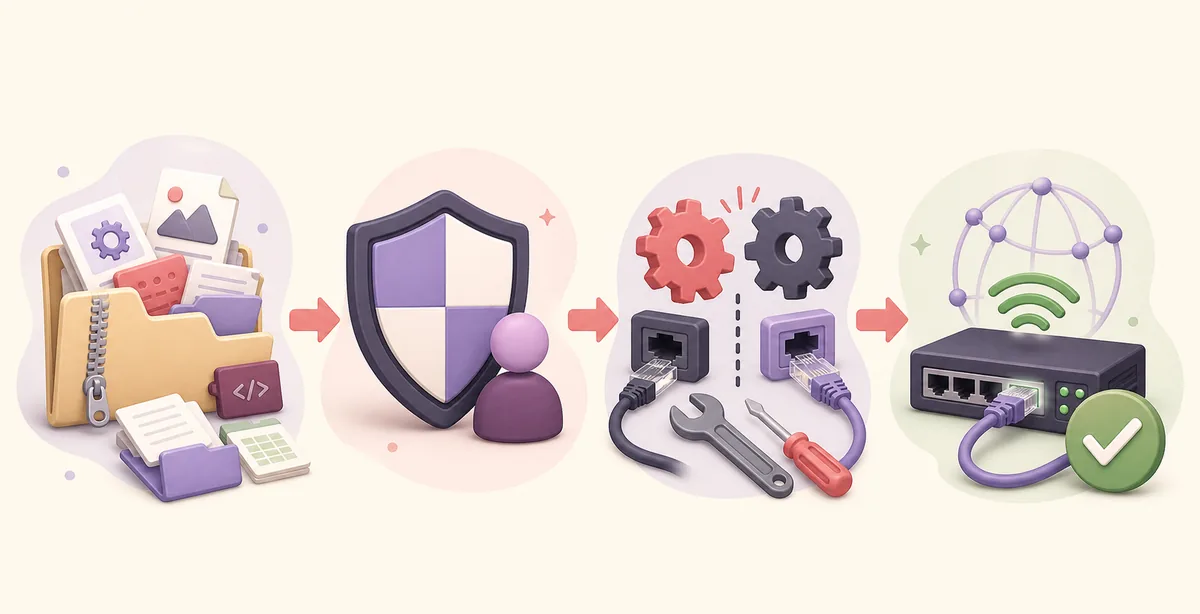
Before enabling Clumsy, record a normal application action. During the approved test, change one condition at a time and keep the filter narrow. When finished, select Stop, close the application and repeat the baseline action. If behavior remains abnormal, check VPN, proxy, firewall and other network utilities.
For a repeatable security review, keep the Windows build, Clumsy version, archive name, full SHA-256, detection text, exception owner, filter, module values and recovery result together. Remove sensitive details before sharing a report.
If the failure remains reproducible, use the official issue tracker or your security vendor's reporting path. The Clumsy usage guide covers repeatable tests.
- Save the baseline before applying any impairment.
- Keep one filter and one change per test run.
- Select Stop and prove normal behavior returned.
- Remove temporary approval after the authorized test.
- Share exact evidence, not an unverified claim that the file is safe.
FAQ
Clumsy Windows Defender FAQ
Is Clumsy malware because Windows Defender flags it?
Not necessarily. Clumsy uses WinDivert for selected packets, so protection may inspect its driver or behavior. Verify the source, archive and SHA-256, then review the detection.
Should I disable Windows Defender to run Clumsy?
No. Do not disable protection as a blanket workaround. An authorized lab owner may review a narrow temporary exception; managed devices should go through IT or security.
How do I verify a Clumsy download?
Use the official 0.3 release, match the architecture and A/B/C filename, compare byte size and calculate the full SHA-256. Do not rely on a mirror name alone.
Why does Clumsy need a driver?
Clumsy relies on WinDivert to match and reinject packets for latency, loss and other controlled conditions. That low-level behavior receives stricter endpoint scrutiny.
Does Windows 11 support change the Defender decision?
The README lists Windows 7, 8 and 10 rather than promising Windows 11. Review the local build, policy and driver state; do not assume an unofficial package is a fix.
Should I download Clumsy 0.4 or 0.6 after a warning?
No. The official release history checked September 15, 2026 ends at 0.3. Higher labels elsewhere are not verified official fixes.